

 Cart is empty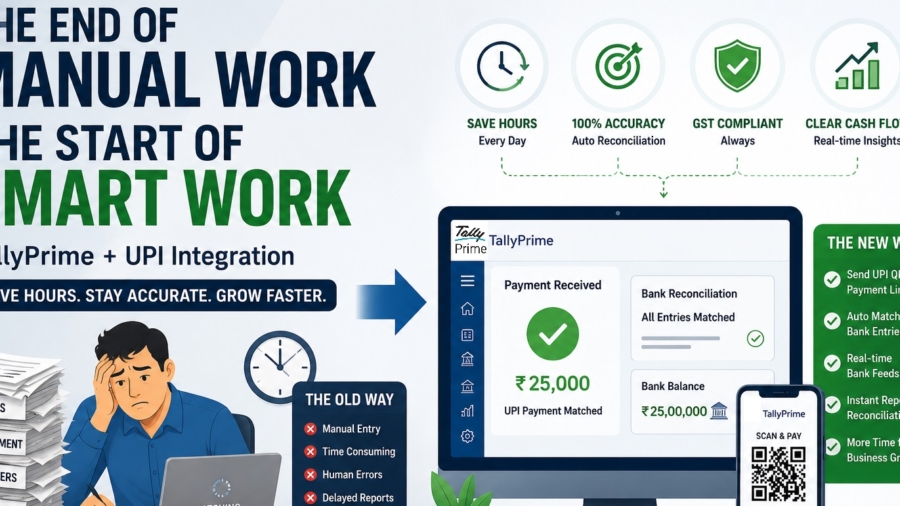
TL;DR
In my experience, manual data entry is the biggest silent killer of productivity for Indian business owners. TallyPrime now solves this by connecting directly with UPI and Payment Gateways to send instant payment links and QR codes. The system automatically matches your bank entries to invoices, removing the need to type in UTR numbers, while keeping your accounts GST-compliant and your cash flow crystal clear.
Introduction: The Problem with Manual Reconciliation
In my years of handling accounts for dealerships and factories, I’ve seen the same headache repeat every month. Business owners and accountants spend hours manually checking bank statements, squinting at UTR numbers, identifying which customer paid which bill. I call this “The Old Way”, a recipe for human error and delayed financial reports.
Today, smart businesses are moving toward “Connected Services.” By syncing your bank books with digital payments in real-time, you can bridge the gap between your bank portal and your accounting books.
What is a “Digital Payment Request” in TallyPrime?
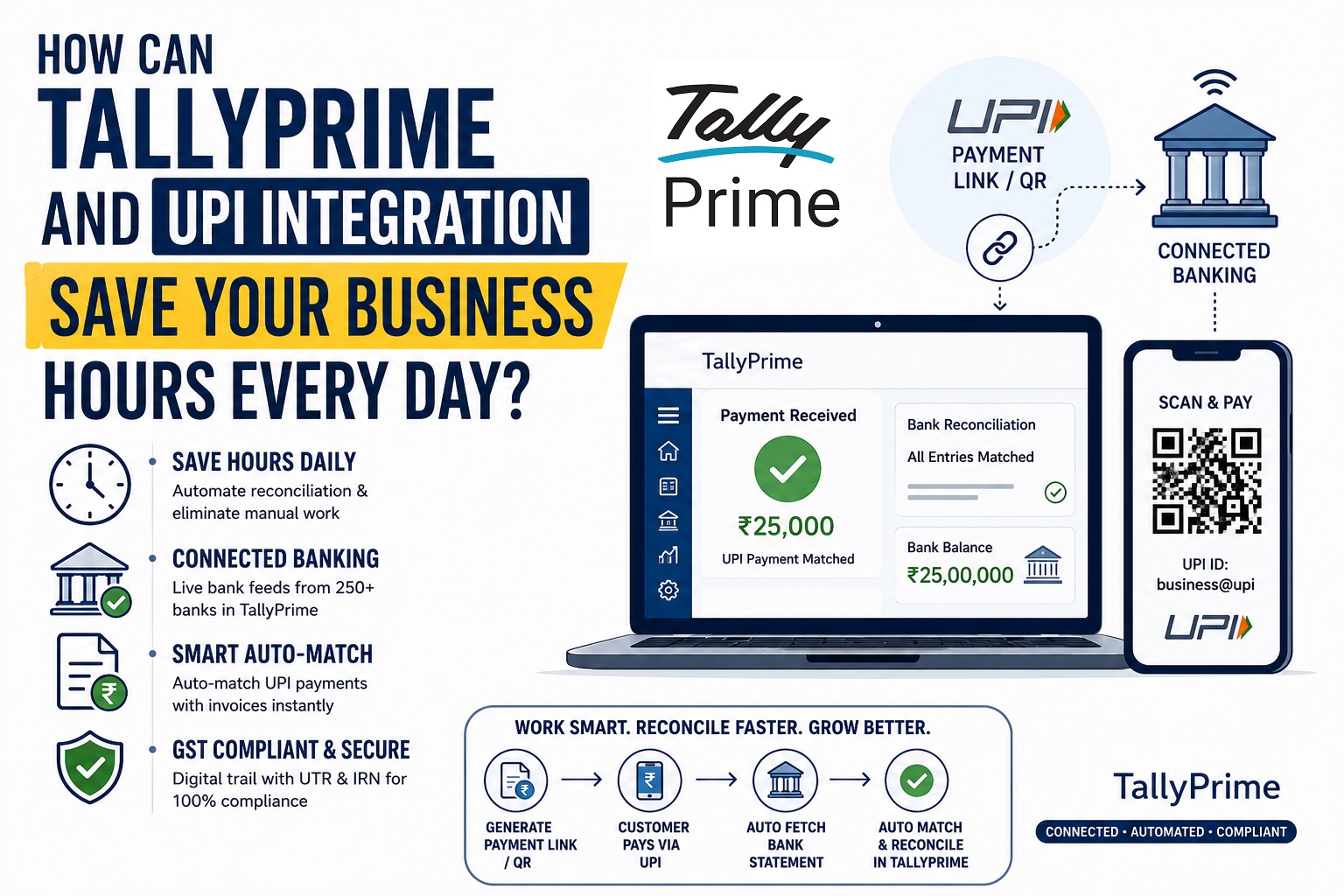
A “Payment Request” is simply a way to generate a UPI QR code or a payment link directly from an invoice in TallyPrime. I recommend two main methods:
- UPI: Direct-to-bank transfers using a VPA/UPI ID. It is instant and highly cost-effective.
- Payment Gateways: Integration with providers like Razorpay and PayU for accepting credit cards, debit cards, and net banking.
A Specialist’s Tip: When sending these links via email or WhatsApp, remember that the payment link is only clickable for your customer if the invoice is sent as a PDF. If you send it as a JPEG or image, the link won’t work! Also, ensure your “Remarks” in UPI requests do not contain special characters like &, #, or /, as these can cause transactions to fail.
How Does “Connected Banking” Make Life Easier?
One question I often get is: “Can I see my bank balance without leaving Tally?” The answer is yes. TallyPrime provides a secure connection with major Indian banks, including ICICI, Axis, SBI, and Kotak.
While Tally supports bank statement imports for over 250+ banks, direct e-payments (sending money out) are currently supported for 18 major banks.
Is the Matching Really Automatic?
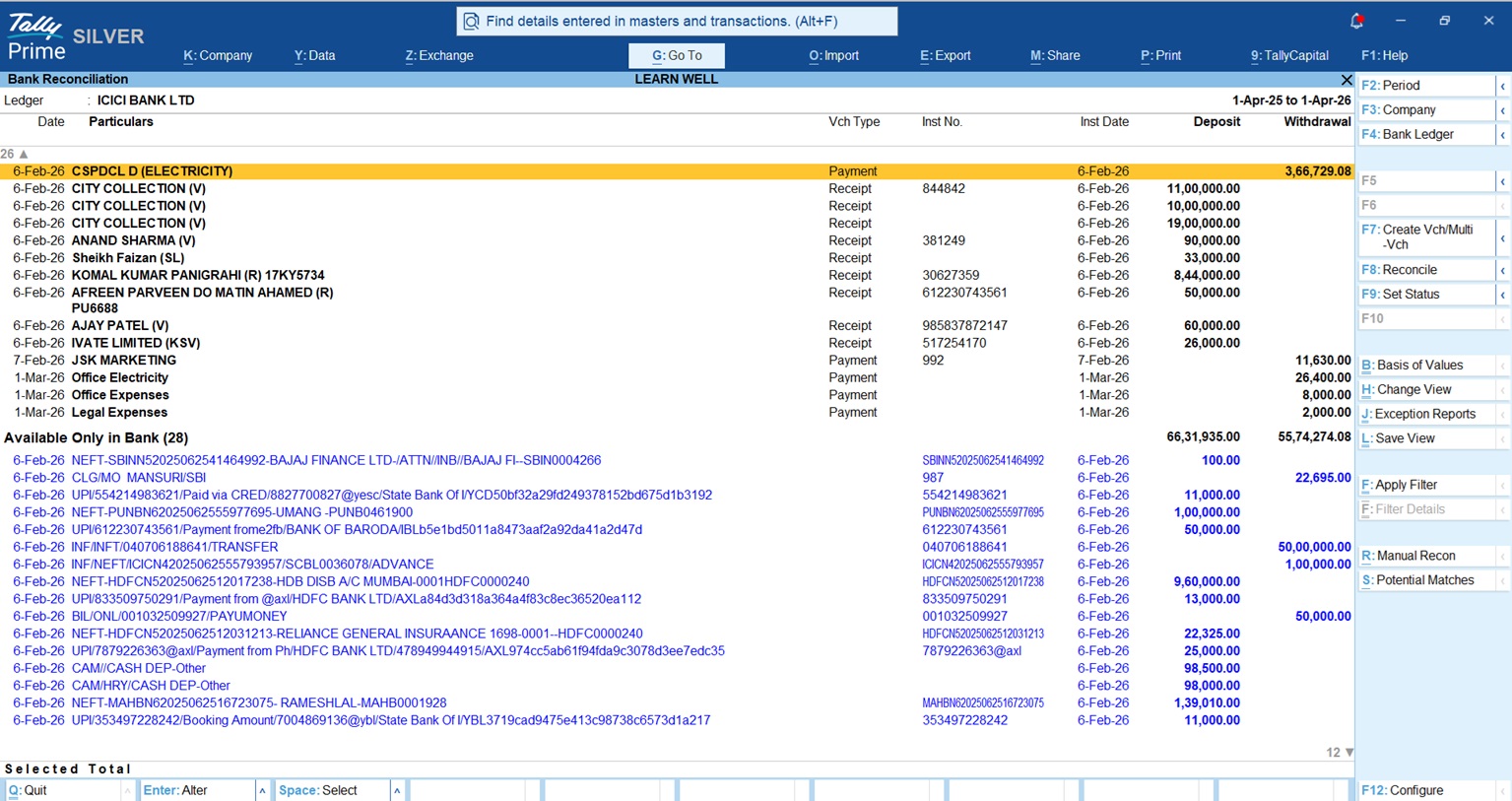
TallyPrime uses “Smart Match” logic to align your books with your imported bank statement. Here is how I configure it for my clients:
- Exact Match: Tally automatically links entries where the amount and UTR/Instrument number are identical.
- Potential Match (Alt+S): This is where the expert settings come in. By pressing Alt+S, you can tell Tally to ignore leading zeros in reference numbers or ignore special characters. You can also set a “days” threshold (default is 30 days) to find matches even if the dates differ slightly.
- Auto-create Voucher (F7): If you see an entry in your bank statement that isn’t in your books (like a bank charge or a direct customer payment), simply press F7. Tally will create the receipt or payment entry for you, pulling the amount and date automatically.
Also check How to use Bank Reconcilation Report in TallyPrime
Why This Matters for Your GST Compliance
Digital payments are a major boost for transparency. Under Section 16 of the CGST Act, you must prove that transactions are genuine and that suppliers have been paid through traceable channels to claim Input Tax Credit (ITC).
By having a digital trail, where every payment carries a UTR number linked to an authenticated e-invoice (with an IRN), your GSTR-1 and GSTR-3B filings become significantly more accurate. It provides an instant, auditable record that protects you during tax assessments.
Real-World Example: A Spare Parts Dealership
Let’s see how this looks in a daily workflow:
- Morning: I record five sales invoices. As I save them, Tally prompts me for a QR code. I click “Yes,” and it’s printed right on the invoice.
- Afternoon: Customers scan the codes and pay via UPI.
- Evening: I open the Bank Reconciliation report, fetch the live statement via Connected Banking, and Tally identifies the matches.
- Closing: I press one button to reconcile, and my bank balance in Tally matches my actual bank balance perfectly.
Navigation Guide: Where to Find These Features
- Enable Feature: Press F11 > Set “Enable Payment Request” to Yes.
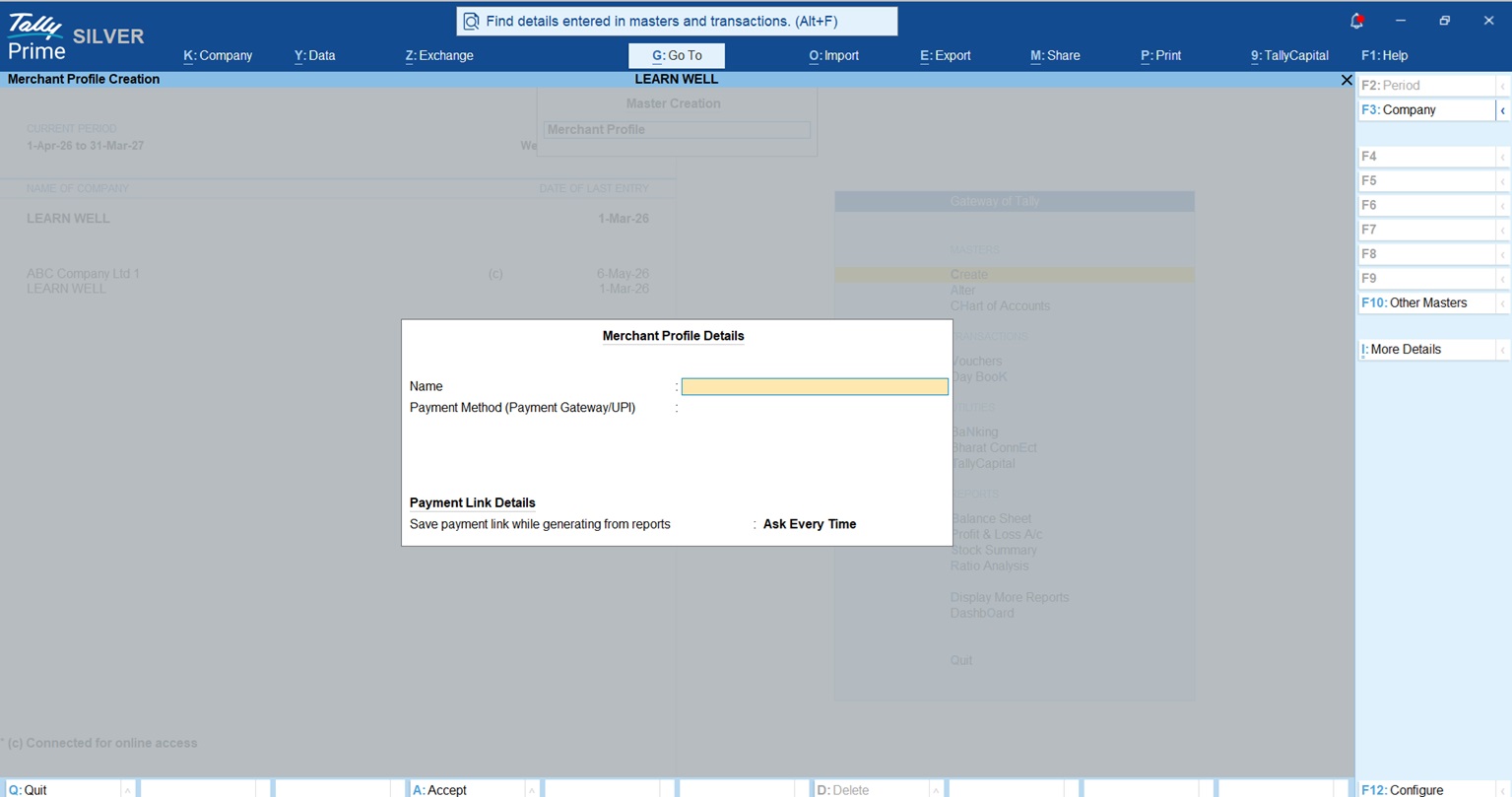
- Merchant Profile: Gateway of Tally > Create > Merchant Profile.
- Bank Reconciliation: Gateway of Tally > Banking > Bank Reconciliation.
- Connected Banking: Alt+Z (Exchange) > All Banking Options > Bank Connections.
The Bharat Connect Factor
The latest evolution in TallyPrime is the “One Invoice, One Flow” system via Bharat Connect. Once you register your GSTIN through the TallyPrime plugin, you are assigned a unique B2B ID.
When a supplier sends an invoice, it appears in your Tally instantly. You simply “Accept” it to auto-create a purchase entry. When you pay, the status updates for both you and the supplier simultaneously. No more emailing PDFs or manual typing.
Read more about TallyPrime 7.0 Features
Conclusion & Actionable Checklist
A Connected ecosystem is the best way to future-proof your business. To get started, follow this checklist:
- Register: Sign up with a supported Payment Gateway (Razorpay/PayU) or a business UPI provider.
- Setup Profile: Use the F11 features to enable Payment Requests and create your Merchant Profile.
- Clean Start: Set a “Reconciliation Beginning Date” and ensure your “Opening BRS” is set so your starting balance has zero differences.
- Connect: Link your bank account via Alt+Z for live statement fetching.
FAQs
- Do I need high-speed internet? You need a stable connection (3–5 Mbps) to exchange data with banks and payment providers in real-time.
- Is my financial data safe? Yes. Tally uses bank-level encryption, OTP-based authentication, and supports “maker-checker” rights for all transfers.
- Which banks are supported? Over 250 banks are supported for statement imports, while 18+ major banks support direct e-payments from Tally.
- Can I send links via WhatsApp? Yes, TallyPrime has native WhatsApp integration to share invoices with payment links directly.
- Does this work for partial payments? Yes. You can generate a payment request for the full invoice or a specific partial amount.
“The era of typing UTR numbers by hand is over. Connected banking turns your accounting software into a real-time financial hub.”
