

 Cart is empty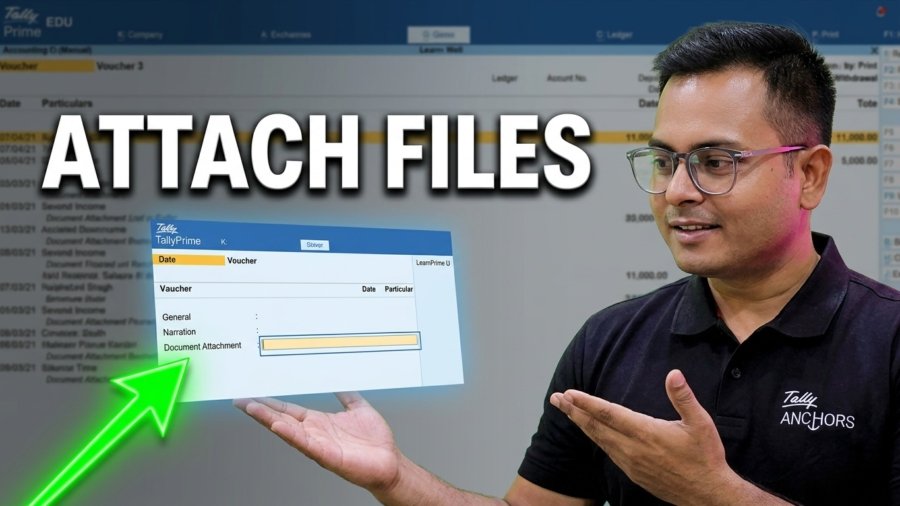
Do you want to keep your invoices, receipts, or PDF files right inside your Tally vouchers? Here is Document Attachement TDL for TallyPrime – Attach & Open Any Documents in TallyPrime Vouchers. Managing physical papers can be hard. But with a simple TDL (Tally Definition Language) code, you can attach any document directly to your TallyPrime entries!
Why Required Document Attachement TDL for TallyPrime?
- Quick Access: View bills or PDFs with one click (Ctrl + O).
- Better Organization: No need to search for physical files.
- Audit Ready: Keep all proof attached to your digital entries.
How to Set Up Document Attachment TDL in TallyPrime
1. Download the TDL Code
- Download TDL code from Above Button
- Extract Zip Folder
- Paste TallyAttach Folder in C drive in your Computer, Like C:\TallyAttach
2. Load the TDL in Tally
Once you move TallyAttach folder in C drive, Load TDL file in TallyPrime:
- Go to Help > TDL & Add-ons.
- Click Manage Local TDLs.
- Select your file and load it.
3. Using the Feature
Now, open any voucher (Payment, Purchase, or Sales). You will see a new option: Attached Document.
- Browse File: Simply Enter on Attach Document Heading on Voucher Screen to pick a file from your computer, Select file and Press Enter Again. File path will be parse on your Voucher Screen.
- Save: Complete your entry as usual and save.
- Open File: Whenever you need to see the document later, just open the Voucher and press Ctrl + O.
Key Shortcuts
- Alt + B: To browse and attach a document.
- Ctrl + O: To open the attached document instantly.
Important Tip
Make sure the files you attach stay in the same folder on your computer. If you move or delete the file from your PC, Tally won’t be able to open it!
Watch the Full Tutorial
Want to see the step-by-step coding process? Watch the full video here:
Find more TDL on our other website EngageToTech
Also Download Mini Dashboard TDL

[…] Also check this Document Attachement TDL for TallyPrime […]