

 Cart is empty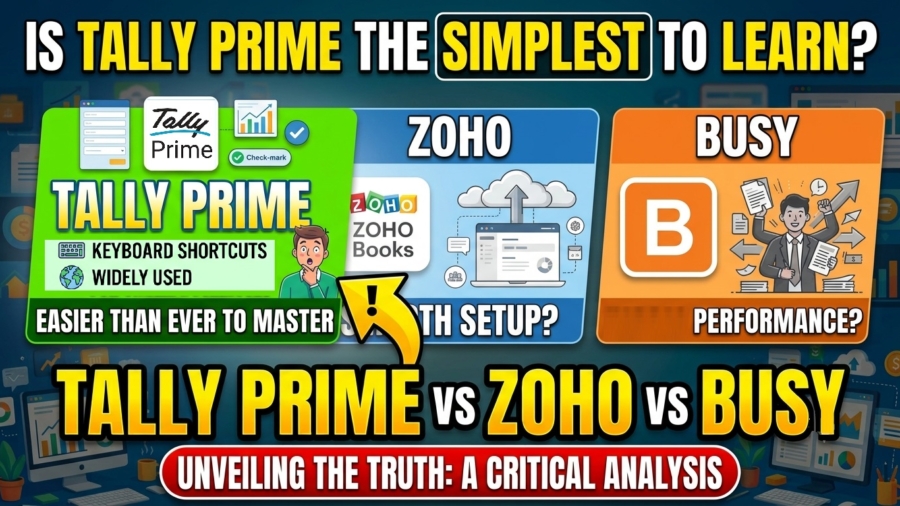
TL;DR
While Zoho Books offers a modern interface and Busy offers a traditional, form-based UI, TallyPrime is the fastest for staff with basic accounting knowledge to master. Because its “voucher-first” logic mirrors fundamental manual accounting, it reduces the “Time-to-Value” significantly. For staff who understand debits and credits, TallyPrime is even faster to learn, whereas other softwares often require a “technical” mindset that creates hidden training costs.
Introduction: The Direct Answer
In my 20 years of experience as a Finance Controller and systems consultant, I’ve seen dozens of implementations fail, not because the software lacked features, but because the UI looked “pretty” while the underlying logic confused the bookkeeper. Whether you are hiring staff who know the basics of accounting or do not have an accounting background, TallyPrime is the clear winner for training speed.
The most expensive part of your accounting setup isn’t the license fee; it’s the “training tax”, the weeks of lost productivity while a new hire struggles to understand why a “Cloud-native logic trigger” is just a fancy name for a Payment Voucher. In sectors like manufacturing and automobile services, getting a staff member from “hired” to “productive” is a race against time, and in my opinion, TallyPrime is built to win that race.
Why Is TallyPrime the Fastest for Staff Who Know “Basics”?
TallyPrime’s primary advantage is that it uses basic accounting terms, instead of Tech Jargon. If your staff already knows what a “Contra Entry” or a “Journal Voucher” is, they know how to use 80% of Tally.
Unlike software that hides accounting logic behind “forms,” TallyPrime remains voucher-based. This mirrors the real-world “Len-Den” (give and take) logic of Indian business. Based on my client implementations, the timeline to productivity is unparalleled:
- Purchase to First Invoice: about 12 minutes (with basic company setup).
- Standard Setup (Chart of Accounts, Masters, Vouchers): 30–40 minutes.
- Advanced Configuration: 1–2 hours.
Furthermore, with TallyPrime, the software has modernized its accounting-first logic with features like “motorized GSTR-2B reconciliation.” This reduces manual work without forcing the staff to learn a non-accounting workflow.
Consultant’s Warning: Beware of “over-automation.” I’ve seen businesses struggle when staff blindly trust automated feeds they don’t understand. Tally’s manual-entry-first heritage ensures the staff member remains the “pilot” of the data, which is crucial for audit trails.
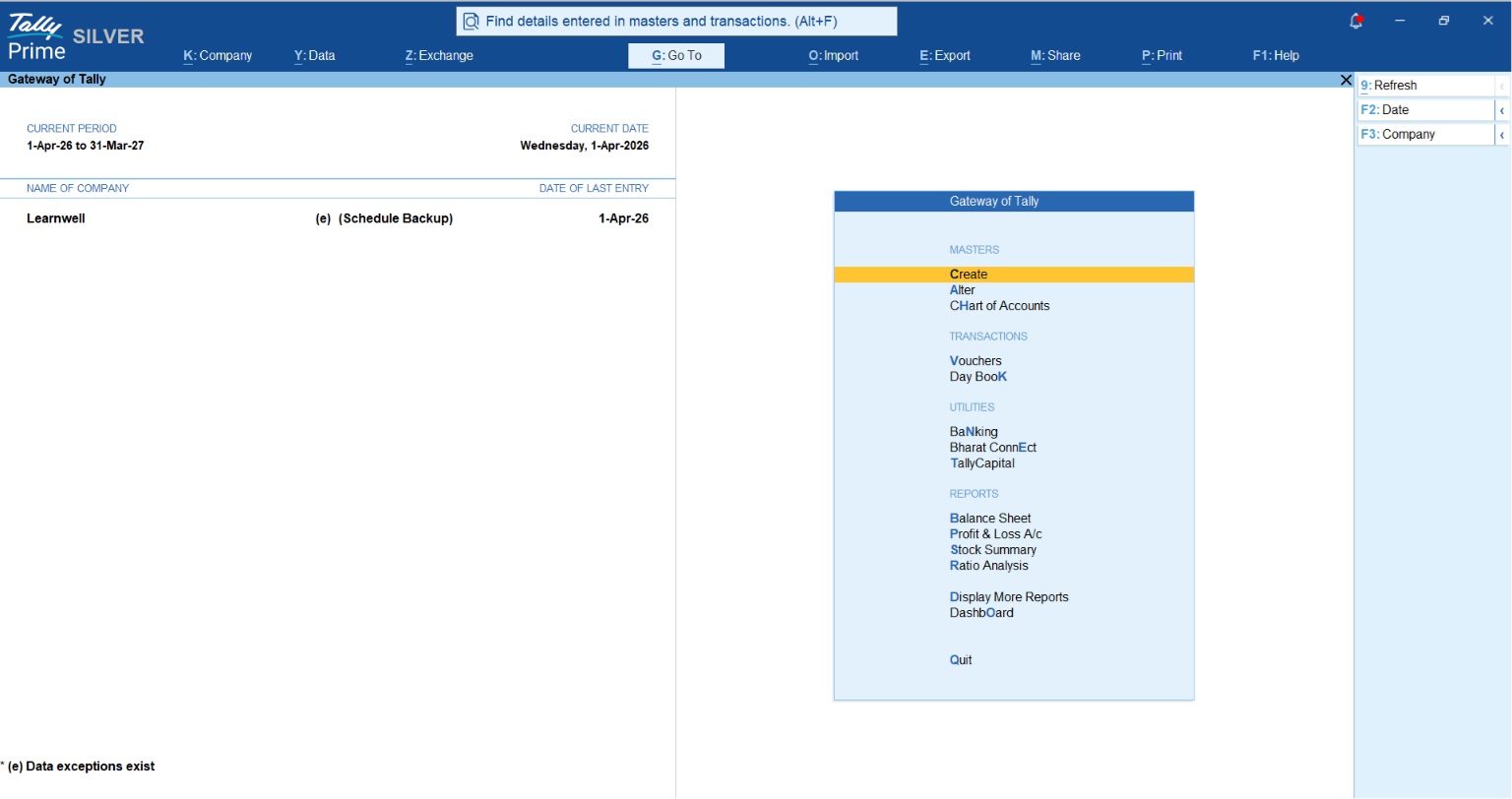
How To Create an Invoice Step by Step
Is Zoho Books Easier?
Zoho Books is frequently marketed as “intuitive” due to its minimalistic dashboard. However, for a staff with only “basic” knowledge, Zoho’s beauty can be deceptive.
While basic invoicing is as simple as using a smartphone app, Zoho has a steep “scaling penalty.” Once you move beyond simple entries into advanced automation, you encounter Deluge, Zoho’s proprietary scripting language.
- Ease of Invoicing: High
- Ease of Advanced Automation: Low/Technical (Requires a programmer’s mindset to set triggers and scripts).
The Hidden Cost:. While Zoho offers base subscription plans, the costs hit a rapid scaling wall (often ₹4,500/month or higher) once your business grows and you need more than 5 users. If a junior staff member configures Deluge wrong, you will spend three days unpicking those ledger entries, an audit nightmare I’ve seen play out too often.
Does Busy’s “Traditional” UI Slow Down Modern Staff?
Busy Accounting Software’s “outdated UI” and “desktop dependency” are real friction points. I once worked with a SK Trader who put it bluntly: “I feel like I’m running a 2026 business on 2009 software.”
For younger staff raised on search bars and touchscreens, Busy’s menu-heavy, DOS-era navigation can feel demoralizing. While it is incredibly efficient for those who memorize its shortcut keys, the learning curve is steeper for a new hire compared to TallyPrime’s modern “Go To” search feature, which allows a user to find any report by simply typing its name.
The “Ease-of-Learning” Comparison Table
| Metric | TallyPrime | Zoho Books | Busy Accounting |
| Primary Entry Logic | Voucher-based (Accounting terms) | Form-based (UI-driven/Tech Jargon) | Traditional (Keyboard-heavy) |
| Learning Time | 5 mins to create first Invoice. 30 min – 1 hour to learn basic tasks for a New User | 1 – 2 hours to learn basic tasks | 2 – 3 hours to learn basic tasks |
| Setup Speed | Fast | Fast | Moderate |
| UI/UX Feel | Features a dedicated ‘Search’ option and ‘Go To’ for quick report navigation. Consistent shortcut keys are used across all screens. | Mouse-driven, web-like UI with visual tabs and menu navigation. | Traditional, forms-based UI with hierarchical menu navigation. |
| Learning Curve | Easy. Consistent keyboard shortcuts and simple voucher entry make it very quick to master for daily, repetitive accounting tasks. | Multiple tabs/menus; mastering shortcuts for fast entry takes time. | Steeper curve. Requires memorizing keyboard shortcuts and navigating dense traditional menus. |
The Ultimate Choice for Every Business: Why TallyPrime Stands Out
When evaluating accounting software, businesses often compromise between speed, flexibility, and cost. TallyPrime eliminates this compromise by delivering a universally adaptable solution that works just as perfectly for a high-volume retail store as it does for a scaling corporate firm.
- Lightning-Fast Data Entry & Billing: Speed is the backbone of any accounting operation. Unlike browser-based tools that slow down with heavy clicks and page loads, Tally’s keyboard-first design allows accountants and billing staff to operate almost blindfolded. Anyone with a basic understanding of accounting can master it quickly.
- Infinite Flexibility (Adapts to Your Flow): Many software options force businesses to adapt to rigid, pre-configured forms and templates. TallyPrime molds itself to your unique business flow, allowing you to configure vouchers, invoices, and reports exactly how your operations demand.
- Built for High-Volume Scale & Serious Auditing: As transaction volumes grow, cloud-only systems often struggle with lag. Tally handles massive data sets effortlessly. When it’s time for heavy data entry, bulk reconciliation, or end-of-year auditing, the performance remains smooth and reliable.
Consultant’s Note: Tally’s multi-user license is a one-time investment for your entire LAN. Your data remains entirely in your control, ensuring maximum privacy. Add the fact that virtually every professional accountant in India is already Tally-trained, and your operational friction drops to absolutely zero.
Conclusion: Actionable Takeaways for Business Owners
“Time-to-Value” – how quickly your staff can accurately issue an invoice, is your primary metric. Before you buy, use this 4-step framework:
- Assess Usability & Vocabulary: Does your staff lack formal accounting knowledge? Pick TallyPrime. It is intuitively designed so that anyone can easily issue invoices and manage daily tasks without needing to understand Debit/Credit or complex ledger logic.
- Assess Tech-Savviness: Want a system that flows naturally with your business instead of forcing rigid app logic on your staff? Pick TallyPrime. It adapts to the user, ensuring a smooth and fast experience even for absolute beginners.
- Assess Inventory Needs: Do you need real-time stock summaries and crucial business numbers at a glance? Pick TallyPrime. It offers far more robust, detailed, and insightful inventory tracking compared to tools that restrict you to pre-configured billing screens.
- Assess the Accountant: If your Chartered Accountant (CA) uses Tally, your “Time-to-Value” is shortened because data transfer will be seamless and audit-ready.
“Accounting software shouldn’t require a computer science degree; it should simply understand the language of your business.”
FAQs
Which is best for GST compliance?
TallyPrime is excellent for GST Compliance [Read Comparison Blog here], but Tally and Busy lead in generating JSON files for offline filing, while TallyPrime offers superior motorized 2B reconciliation.
Can I use TallyPrime offline?
Yes. TallyPrime offers a hybrid architecture enabling users to work offline with cloud flexibility, making it the most reliable choice for areas with inconsistent internet.
Does Busy support e-invoicing?
Yes, same as TallyPrime, Busy also supports e-invoicing and e-way bill generation for all businesses, including those exceeding the 5cr turnover threshold.
Do I need an accounting background to learn TallyPrime?
Not at all. TallyPrime is intuitively designed so that anyone can operate it. Even if you don’t know complex ledger logic or Debit/Credit rules, you can easily navigate the straightforward voucher screens to record daily business transactions .
Is data migration possible between Excel and TallyPrime?
Yes, via Excel or CSV exports. Through TallyPrime Excel mapping, you can automatically map and push massive amounts of old data directly into Tally with zero manual effort.

[…] Read TallyPrime vs Zoho Books vs Busy: Which Is Easiest to Learn for Staff with Basic Accounting Knowledg… […]