

 Cart is empty
TallyPrime Android App for Mobile free for you. In today’s fast-paced business world, being tied to your desk is no longer an option. You need your financial data at your fingertips, whether you are in a client meeting or traveling. While TallyPrime is a powerful desktop software, many users are constantly looking for a reliable TallyPrime Android App for mobile to view their reports on the go.
How to Use the TallyPrime Android App for Mobile Reporting
The good news is that you don’t need expensive cloud servers or complicated setups. You can easily access your Tally data by combining Tally’s built-in “Browser Access” feature with the Learnwell Android App.
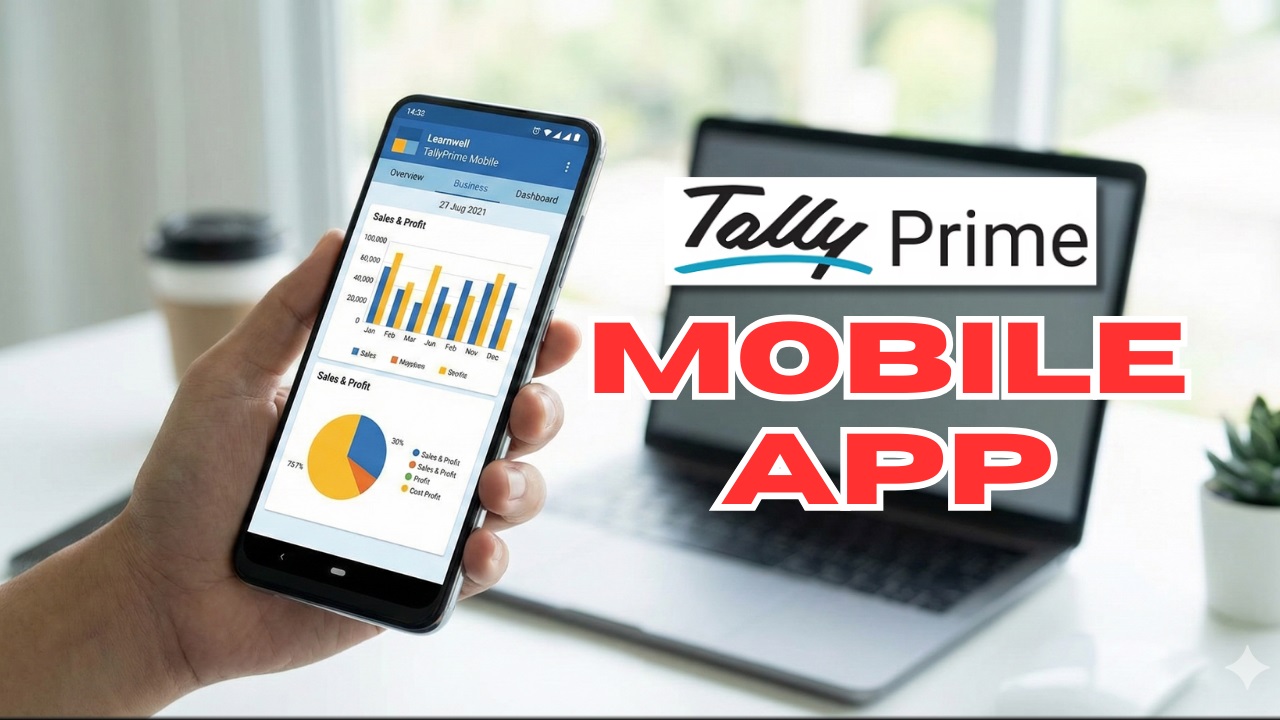
Here is a step-by-step guide on how to set this up.
Why Access Tally on Mobile?
- Instant Updates: Check your Cash Flow, Bank Balance, and Stock Status in real-time.
- Client Management: View outstanding bills and share invoices directly from your phone.
- Security: Your data stays safe on your PC; you are only viewing it via a secure connection.
An Interesting interview about TallyPrime upcoming features with MD Tally Solutions Mr. Tejas Goenka sir
Step 1: Connect TallyPrime for Browser Access (Desktop)
Before using the mobile app, you must authorize your company data to be viewable online. This is a one-time setup done on your office computer.
- Open TallyPrime and load your company.
- Press F11 (Features) and look for “Online Access”.
- Set “Enable Browser Access for Reports” to Yes.
- Go to the Gateway of Tally, click on Company (Alt+K), and select Connect.
- Note: Ensure you have a valid Tally.NET ID linked to your license.
- Once connected, you will see a small (c) symbol next to your company name. This means your data is now ready to be accessed remotely.
Step 2: Login via Learnwell Android App
Now that your desktop is ready, you can use the Learnwell app as your TallyPrime Android App for mobile interface.
- Download & Open the App: Install and launch the Learnwell Android App on your smartphone.
- Go to Tally Login: Navigate to the “TallyPrime / Browser Login” section in the app menu.
- Enter Credentials: Input your Tally.NET ID (Email) and Password.
- Select Your Company: You will see the company you connected in Step 1. Tap on it to open.
- View Reports: You can now see your Balance Sheet, Profit & Loss, Daybook, and more, formatted perfectly for your mobile screen.
Find more TDL files on our other website
Conclusion
Using a TallyPrime Android App for mobile like Learnwell bridges the gap between your office desktop and your smartphone. It gives you the freedom to make informed business decisions anywhere, anytime.
